Connections
Before you begin
You need the project admin or owner role to add, reconnect, reconfigure, or
disconnect a source. A viewer or member can inspect connection status and
use the troubleshooting guide, but must hand setup to an administrator.
If Add connector or a configuration action is unavailable, do not borrow another user's session, request their credentials, or start an OAuth flow on their behalf. Send this guide and the intended project/source to an administrator or owner.
Before connecting a service, check its status in the integration matrix. A card in the interface does not mean that every workflow has passed live end-to-end testing. A card whose Connect action is disabled with "Not available on this deployment" belongs to an OAuth provider whose app has not been configured on this deployment; ask the operator, who sets the provider's client id and secret.
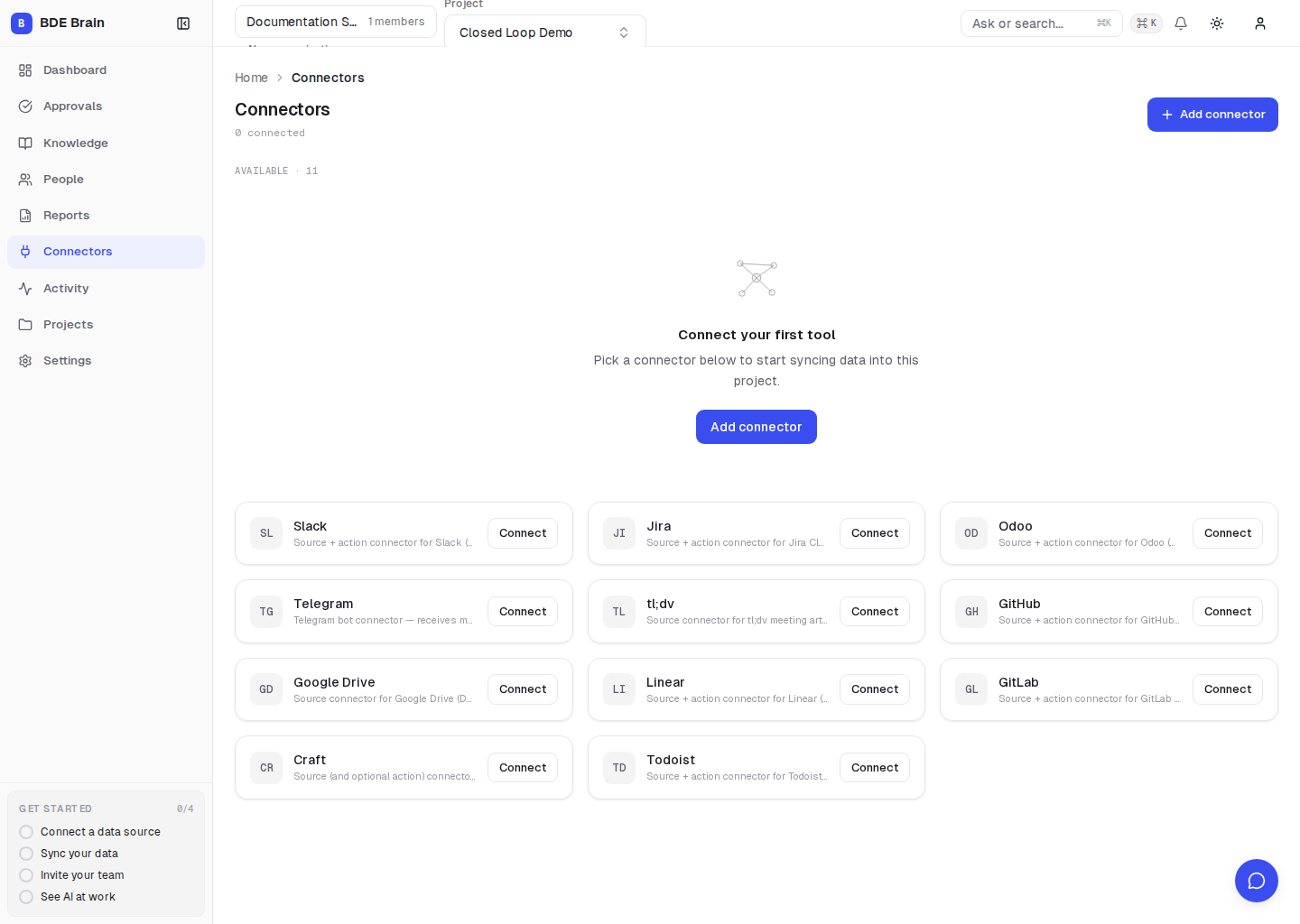
General rules:
- Use a separate test workspace for the first verification.
- Grant only the scopes required by the selected workflow.
- Confirm that the correct project is active.
- After connecting, select Sync now and check Activity.
- Before disconnecting, assess the effect on automations and pending approvals.
Connector guides: