Approvals
Outcome
You will be able to review a Threadory proposal and deliberately approve, edit, or reject an action in an external system.
Before you begin
Every project role can view the project. Administrators and owners can resolve approvals.
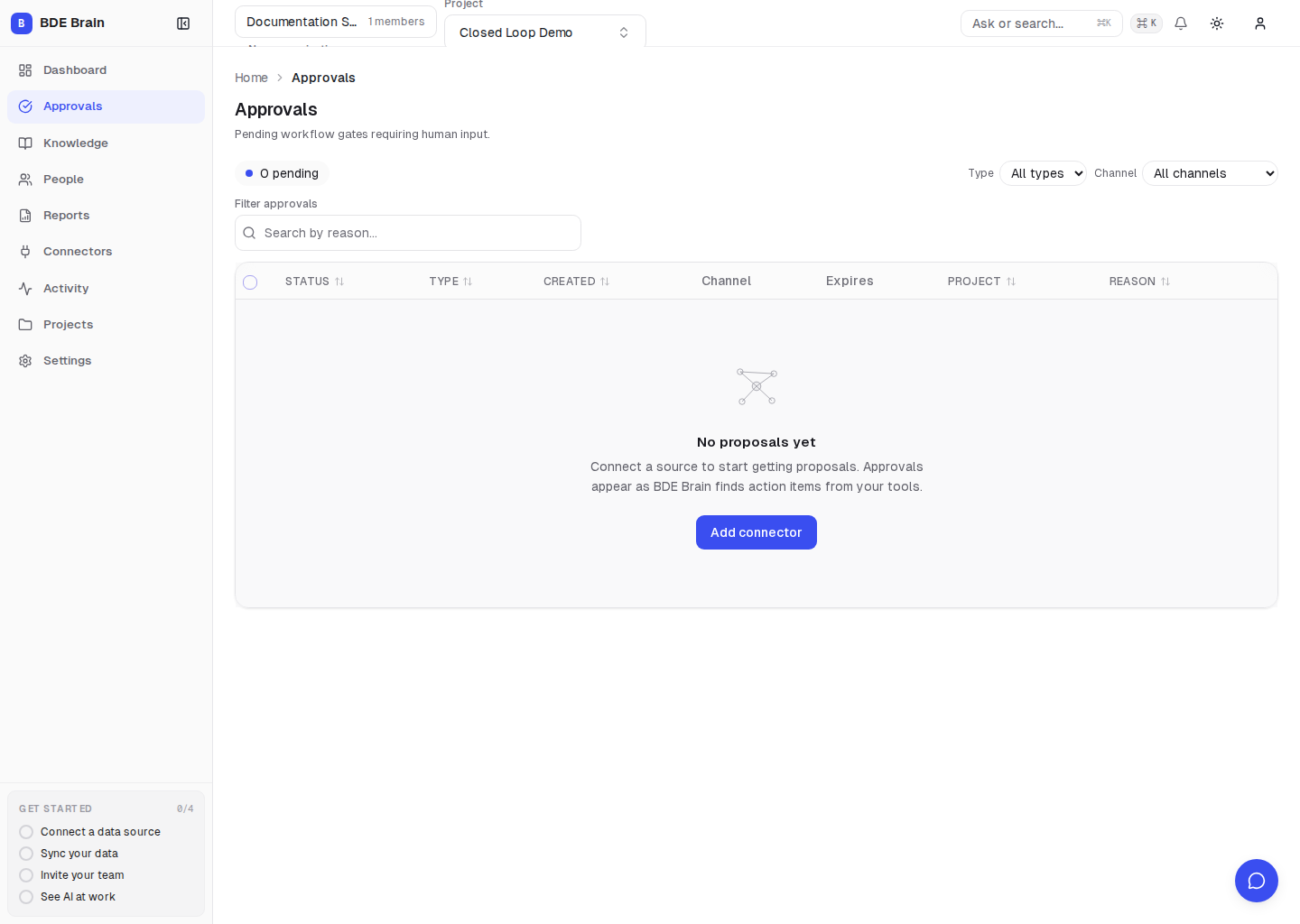
Steps
- Open Approvals.
- Select a proposal and read its description.
- Review the source context: the meeting, decision, or other basis for the proposal.
- Review related work to avoid creating a duplicate ticket.
- Choose an action:
- Approve — perform the proposed action;
- Edit payload, then Edit & approve — change allowed fields and perform the updated action;
- Reject — do not perform the action.
- After resolving the proposal, check the external result or its entry in Activity.
An approval authorizes one specific action with its current data. It does not grant permanent permission for later actions.
Verify the result
The pending proposal has a new status, and the completed action is visible in the external system and its related Threadory context.
Common problems
| Symptom | Likely cause | What to do |
|---|---|---|
| The proposal is no longer available | Another administrator resolved it, or it expired | Refresh the list and check Activity |
| Decision buttons are missing | Your role does not have permission | Contact an administrator or owner |
| The source cannot be opened | Source data was deleted or its connection is unavailable | Do not approve an action without reviewing its context |
| No result appears after approval | The external system rejected the write | Check the run in Activity and the connection health |
Next step
Review the result in Reports and Graph Health.